.png)
Benefits Administration
Made Easier
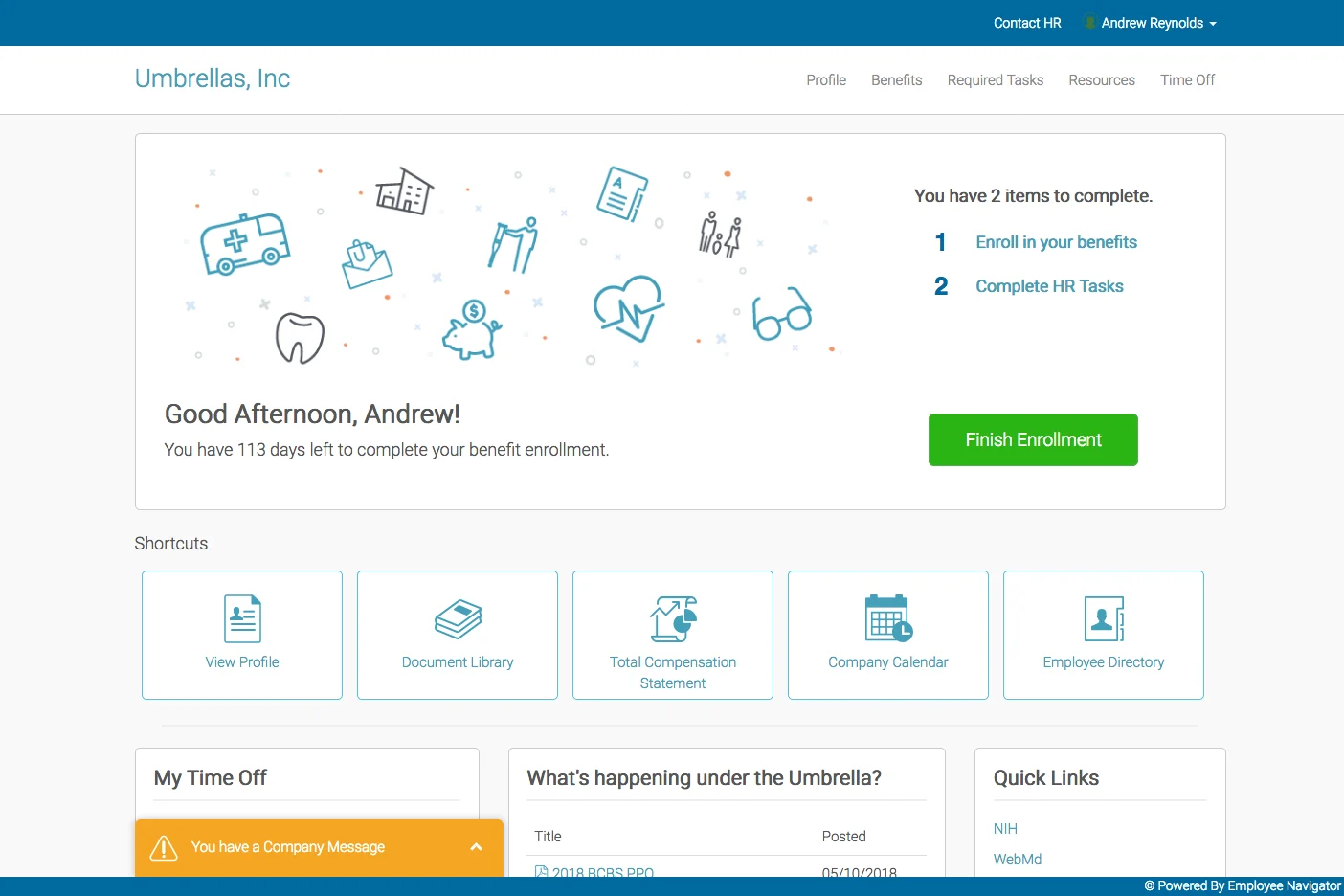
Employee Navigator helps Benefits Connection members manage enrollment, onboarding, employee benefit information, compliance tasks, and payroll connections in one streamlined platform. Available through Benefits Connection as part of a more connected employee benefits experience.
.png)
Why Benefits Administration Matters
When enrollment forms, carrier portals, payroll updates, and compliance notices live in different places, managing benefits becomes scattered and time-consuming. Employee Navigator helps bring these pieces together so you can spend less time chasing paperwork and more time supporting your team.
What Employee Navigator Handles
Employee Navigator supports the core tasks that keep benefits running smoothly. Explore each area to see how it fits your workflow.
Online Benefits Enrollment and Elections
Employees review plan options, make selections, and submit elections through a digital interface. Reduces paper forms and manual data entry.
New hire benefits setup and orientation
Streamline how new employees access benefits information and complete required enrollment steps from day one. Helps them understand what's available.
Benefits administration and employee data management
Track employee information, manage plan changes, handle life events, and maintain accurate records in one place. Reduces scattered spreadsheets.
ACA reporting and compliance task support
Stay organized around ACA requirements and compliance deadlines. Employee Navigator helps track reporting obligations and organize required documentation.
Payroll and carrier system connections
Connect benefits data with payroll, carriers, and other vendors depending on your setup. Reduces duplicate entry and improves accuracy across systems.
Employee access to benefits and account information
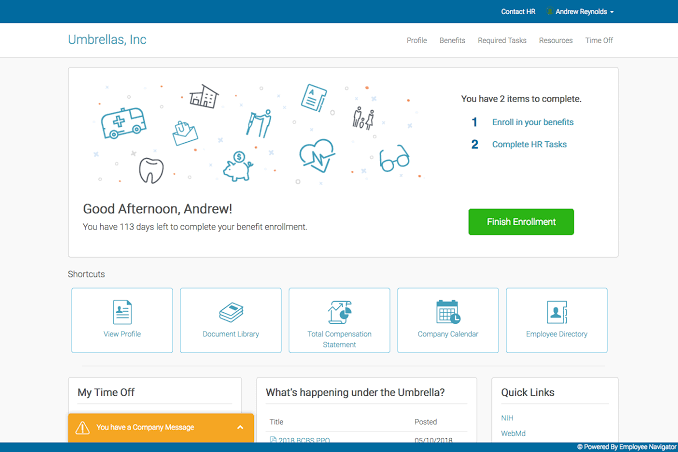
Employees can view their benefits, update personal information, access plan documents, and find answers without contacting HR for routine questions.
How it Works Inside Benefits Connection
Employee Navigator is set up around your specific needs.
Review your benefits setup and workflow
Benefits Connection learns about your current process, goals, and pain points.
%20(500%20x%20400%20px)%20(3).png)
Configure Employee Navigator to your business
The platform is customized around your plan offerings, eligibility rules, employee groups, and renewal schedule.
Employees enroll and access benefits online
Your team reviews options, completes elections, and can access benefit information anytime through self-service.
Ongoing administration and reporting support
Your Benefits Connection advisor helps manage enrollment, process changes, handle compliance tasks, and support employee questions throughout the year.
Less duplicate work, better accuracy
Employee Navigator can connect your benefits, HR, payroll, and carrier systems depending on your setup and available integrations. This reduces manual data entry across platforms and helps keep information consistent.
Fewer spreadsheets and manual updates
Cleaner handoffs between systems
More time for strategic benefits work
.png)
Better employee experience with benefits
Employees often struggle to find benefit information or understand what's available to them. Employee Navigator gives them a single place to review plans, complete enrollment, update their information, and access documents whenever they need them.
.png)
Common use cases
See how Employee Navigator fits different business situations and challenges.
Scaling onboarding for new hires
As your company grows, onboarding benefits becomes harder to manage manually. Employee Navigator helps new hires complete enrollment steps quickly and access benefit information from their first day.
.png)
Moving away from paper enrollment forms
Small businesses often rely on printed forms and email. Employee Navigator moves enrollment online, reduces lost paperwork, and makes it easier to track who has completed their elections.

Managing annual open enrollment periods
Open enrollment can be chaotic when managing multiple carriers, deadlines, and employee questions. Employee Navigator centralizes the process and helps you track completion and changes in one place.
Reducing manual payroll and carrier updates
Manual updates between payroll, benefits, and carriers create errors and waste time. Employee Navigator can help connect these systems so changes flow through automatically depending on your setup.
Creating a cleaner benefits experience
Employees want one place to understand and manage their benefits. Employee Navigator gives them self-service access to information, enrollment, and updates without contacting HR for routine questions.
Better organization around compliance tasks
Compliance deadlines and reporting requirements can slip through the cracks. Employee Navigator helps you track ACA obligations, organize required documentation, and stay on top of regulatory tasks.
Questions
Find answers about how Employee Navigator supports your benefits administration.
Employee Navigator is a benefits administration platform that helps employers manage enrollment, onboarding, employee data, compliance tasks, and payroll connections in one place. It's available to Benefits Connection members as part of their integrated benefits experience.
No. Employee Navigator is a technology platform that supports benefits administration and enrollment. It works alongside your Benefits Connection advisor and carrier partners to streamline how you manage benefits.
Benefits Connection reviews your benefits setup and goals, then configures Employee Navigator around your plan offerings, eligibility rules, and renewal needs. Your advisor helps you get started and supports ongoing administration.
Yes. Employees can review available benefits, complete enrollment elections, update their information, and access benefit details through the platform depending on how your employer sets it up.
Employee Navigator can support payroll connections depending on your employer's setup and available integrations. This can help reduce duplicate data entry and manual follow-up between systems.
Need more help?
Reach out to your Benefits Connection advisor.
Ready to simplify benefits administration?
Benefits Connection can help you review whether Employee Navigator makes sense for your business, your benefits strategy, and your team's workflow.
.png)